
An easy first step
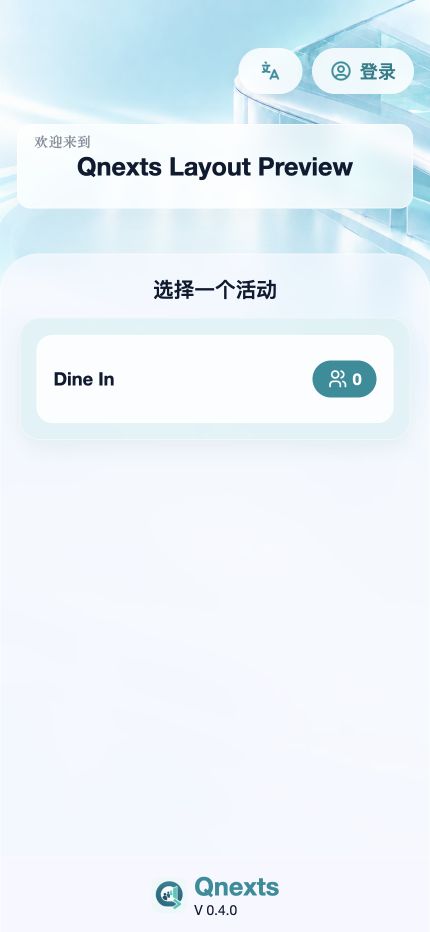
Guests follow the store’s available queue options and enter the details needed for their visit.
A SIMPLE START TO EVERY VISIT
Give arriving guests a clear way to join your queue. A focused ticketing experience for store terminals, connected to the Qnexts queue.
For in-store ticketing terminals and the teams that manage them.
A calmer front of house
Guests follow the store’s available queue options and enter the details needed for their visit.
Queue requests and ticket numbers come from the store service, keeping the front desk and terminal aligned.
Configure ticket printing on supported Android and SUNMI equipment. Availability depends on the device and store setup.
QNEXTS / TICKETING
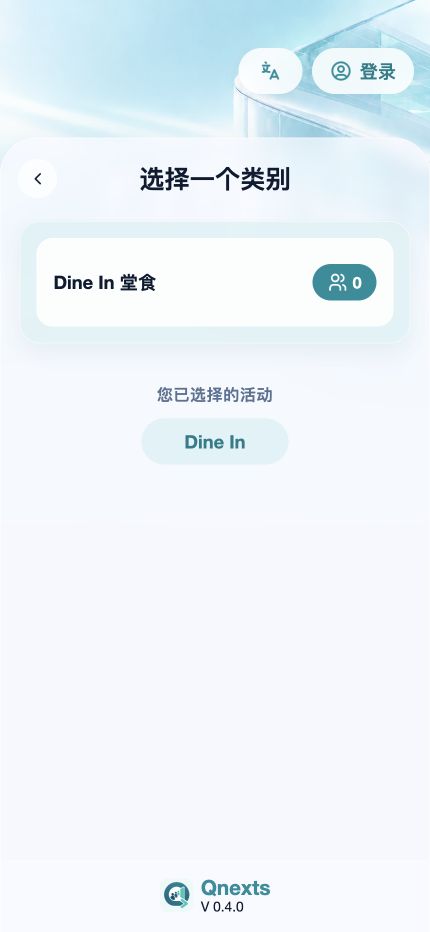
Choose an available queue or category at the store.
Enter the required party details and review the notice.
Confirm the request and follow the ticket instructions.
Inside the app
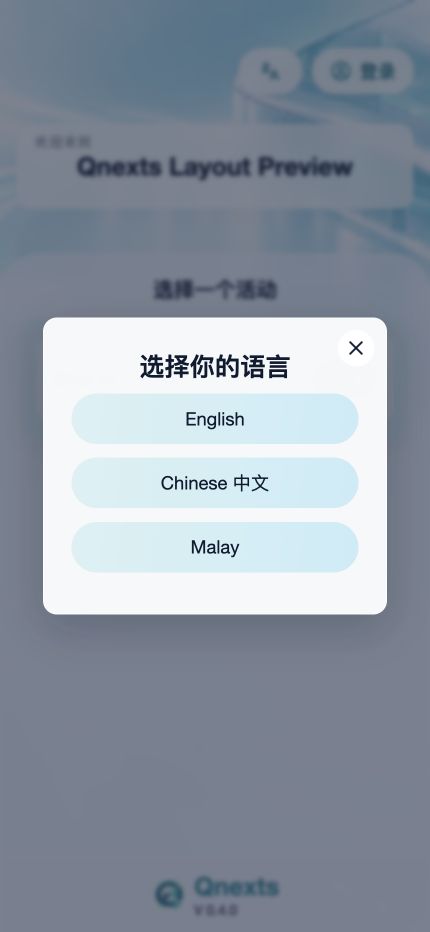
App-rendered layout preview with sample queue data. These screens do not demonstrate live ticket creation or hardware printing.
Built by microplan